Publish to Netlify without git, a CLI or a dashboard.
Netlify is a good place to put a small site. Getting a folder there usually means a repository, a command line tool, or a drag-and-drop that loses your address. This is the fourth way.
Where people get stuck
The documented routes to Netlify all assume something. Continuous deployment assumes a git repository and a GitHub account. The CLI assumes a terminal and a login flow. The drag-and-drop box assumes you only ever publish once — drop the folder again and you often get a new site at a new address, which is no good when you have already sent the old one to somebody.
Connecting takes one press
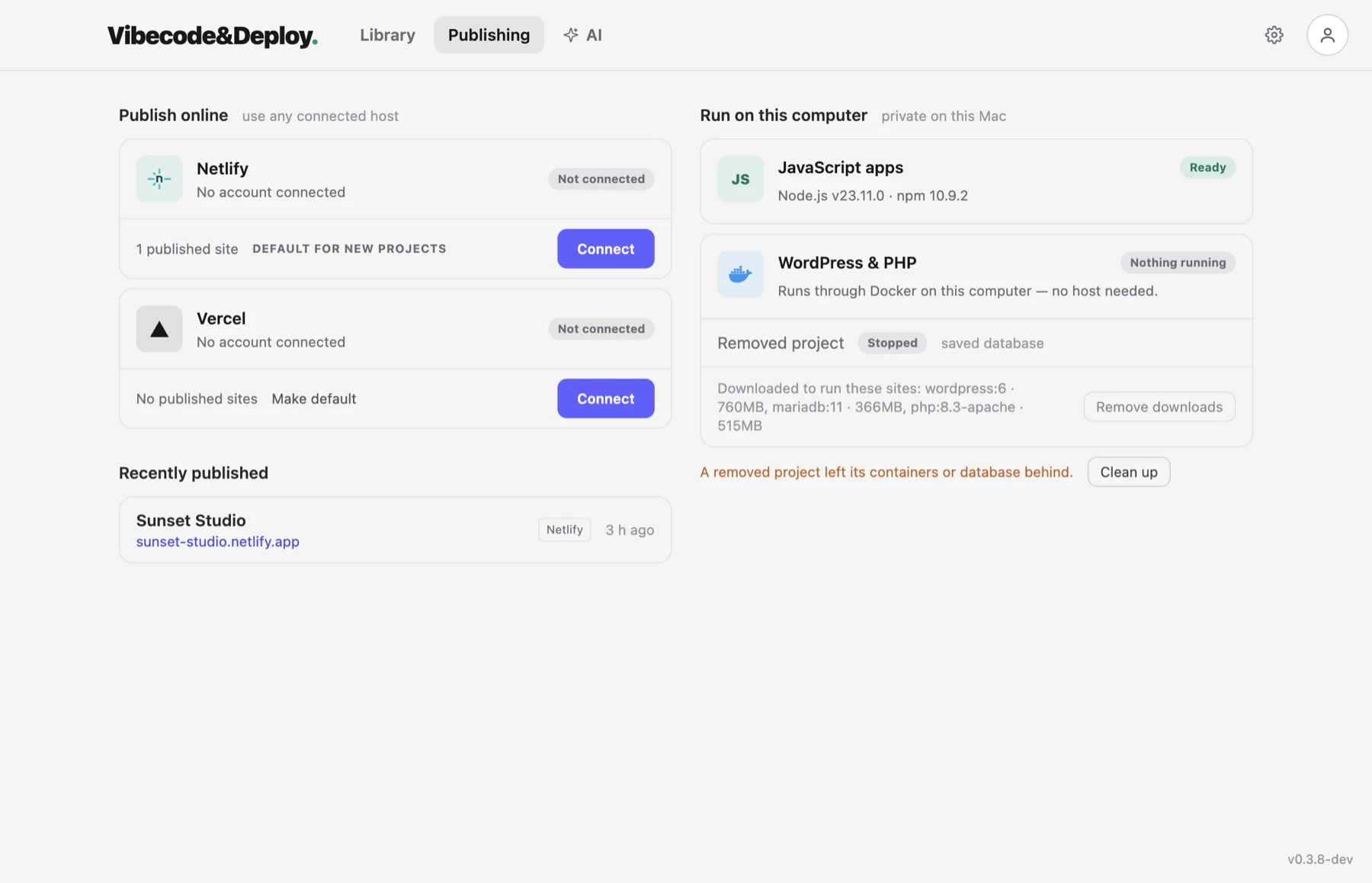
Press Connect and your browser opens Netlify's own Authorize page. You approve it there and that is the whole login: no token to generate, copy and paste. The credential is kept on your computer, in the app's protected storage, and it is never written into your project.
The same address, every update
The first publish makes a site in your account. Every publish after that goes to that same site: the app remembers which one the folder belongs to, and uploads only the files that changed. A three-word fix takes a couple of seconds, and the link you already sent keeps working.
It is your account and your site
The app talks to Netlify's API directly from your computer. There is no server of ours between you and them, nothing is proxied, and the site sits in your account under your terms — it is yours to keep whatever happens to us.
A new Netlify site can start private
Netlify puts new sites on some accounts behind team access, which means the link you just sent your friend asks them to sign in. It is a five-minute confusion the first time it happens. The app checks after publishing, tells you in plain words that only you can open it, and offers the one button that makes it public.
Forms
If your page has a contact form, Netlify can collect the answers. The app turns the feature on for that site and shows the verified responses next to the project — and it refuses to publish a form that would silently collect nothing, which is what happens when the setting is off.
Going back to an older version
Every publish stays in the list. If today's version is worse than yesterday's, make yesterday's live again from the app. Same address, no rebuild.
If your folder is a git clone
When the folder came from GitHub and Netlify is already building that repository, uploading files over the top would be the wrong move. The app publishes by sending the commit instead, and Netlify builds it the way it always has.
Step by step
- Add the folder to the app.
- Choose Netlify as the host for that project.
- Press Connect and approve it in the browser.
- Press Publish. You get a live address.
- Add your own domain if you have one.
- Change the files, press Publish again. Same address.
Vercel works too. Pick the host per project when you first publish it. What Vercel looks like here →
Read next
Have a site sitting in a folder? Set it free.
Download the app and put it on the internet today.