Open the folder
Use a project you already have. The app sees what your coding tool built.
From your folder to the internet
Open the folder, preview the project, and publish through your own Netlify or Vercel account. Keep the same address for every update.
Free download · Windows is in testing
Your site is live
Works with the tools you already use
Claude Code Cursor Codex Netlify Vercel WordPressHow it works
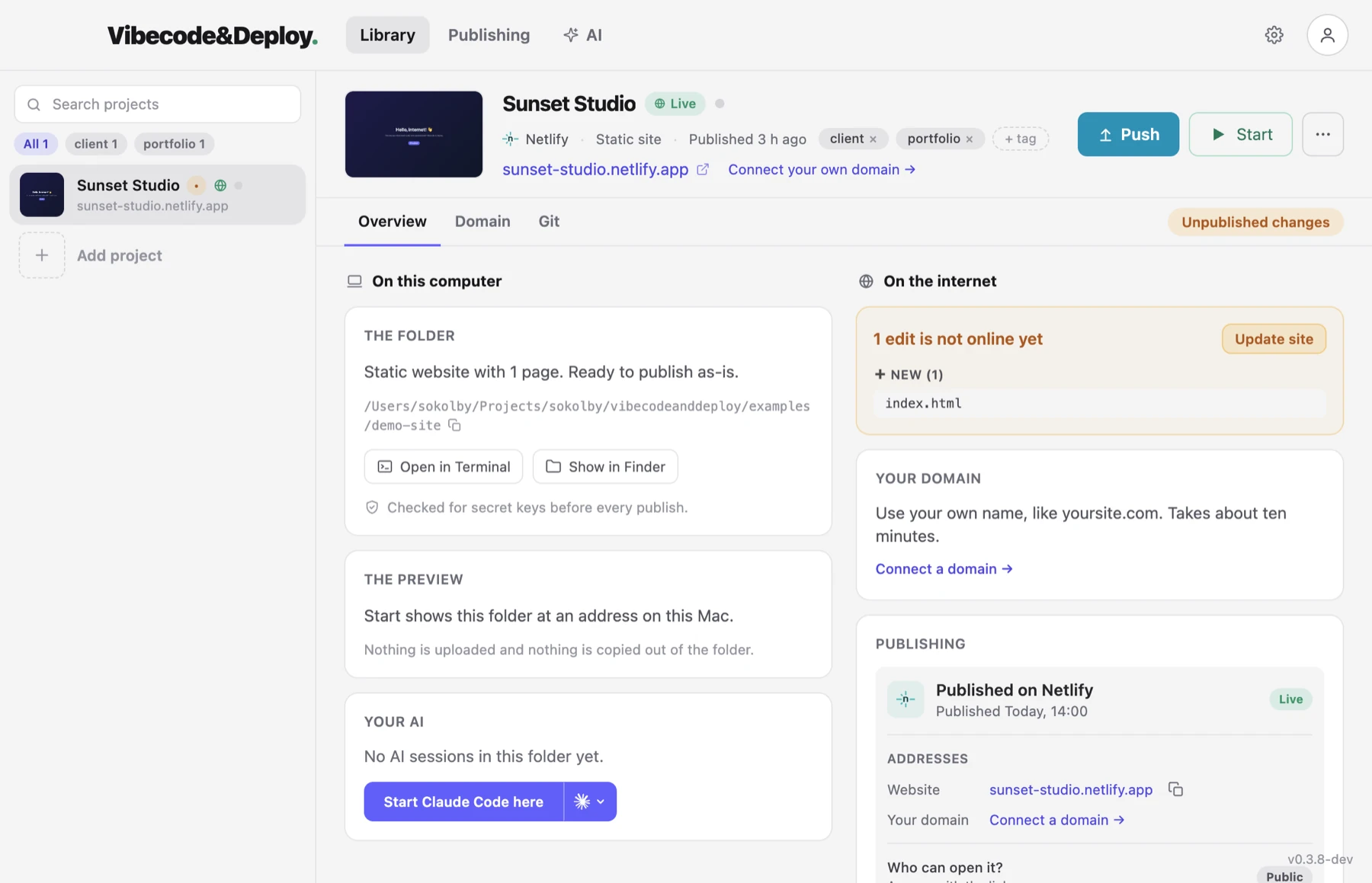
Use a project you already have. The app sees what your coding tool built.
See it in the browser first, and review what is not live yet.
One button. Your own Netlify or Vercel account. A real address.
01 / CHECK
Compare the folder with the current live version. The publish check also looks for common API keys in source files and built output.
02 / PUBLISH
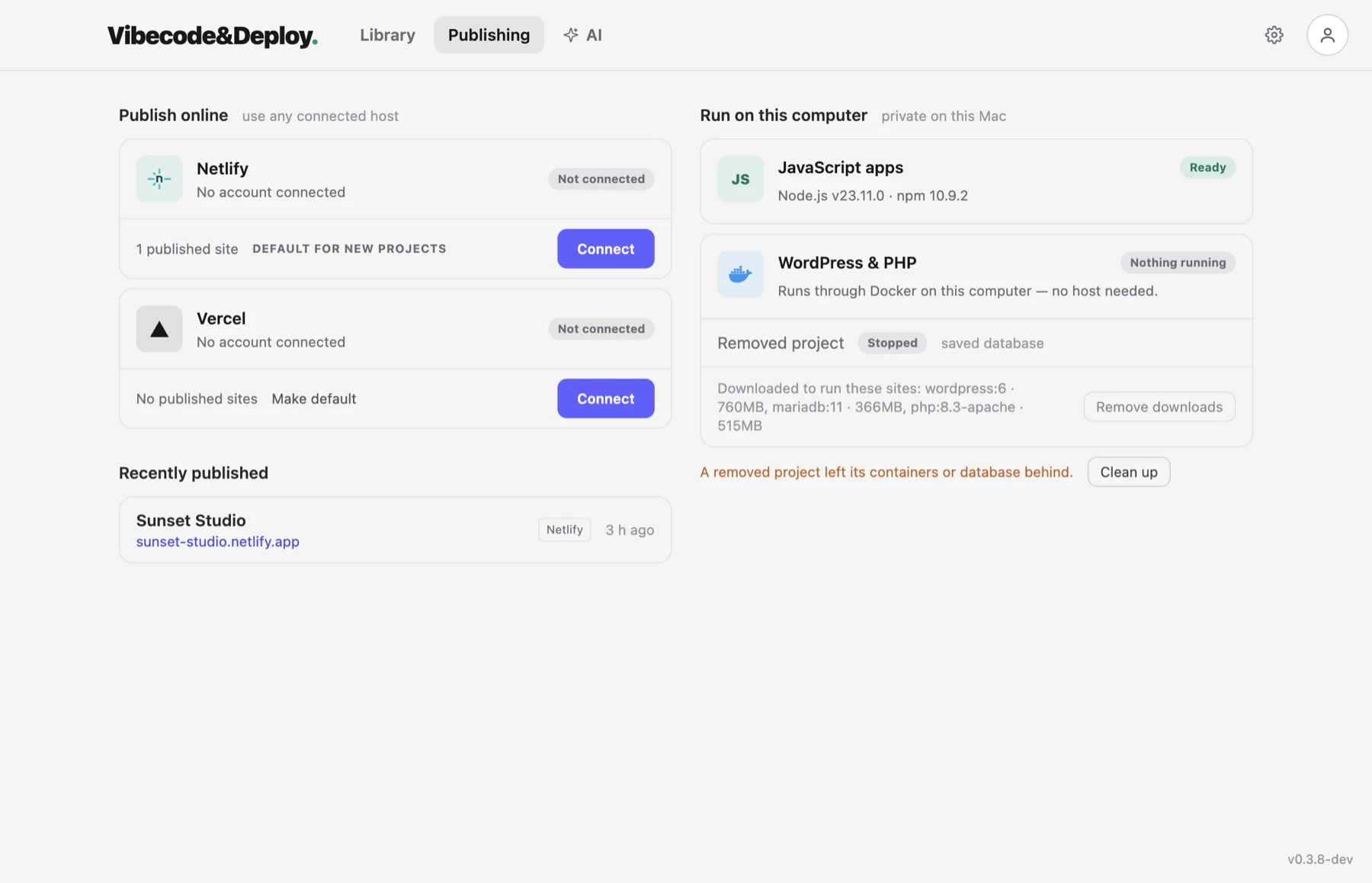
Publish through Netlify or Vercel. Each project stays with the host you selected, and later updates use the same site.
03 / CONTINUE
Open Claude Code or Codex in the project. You can let the coding tool request a publish while hosting credentials remain in the app — or ask the AI built into it for the change and never leave the window.
The part that matters
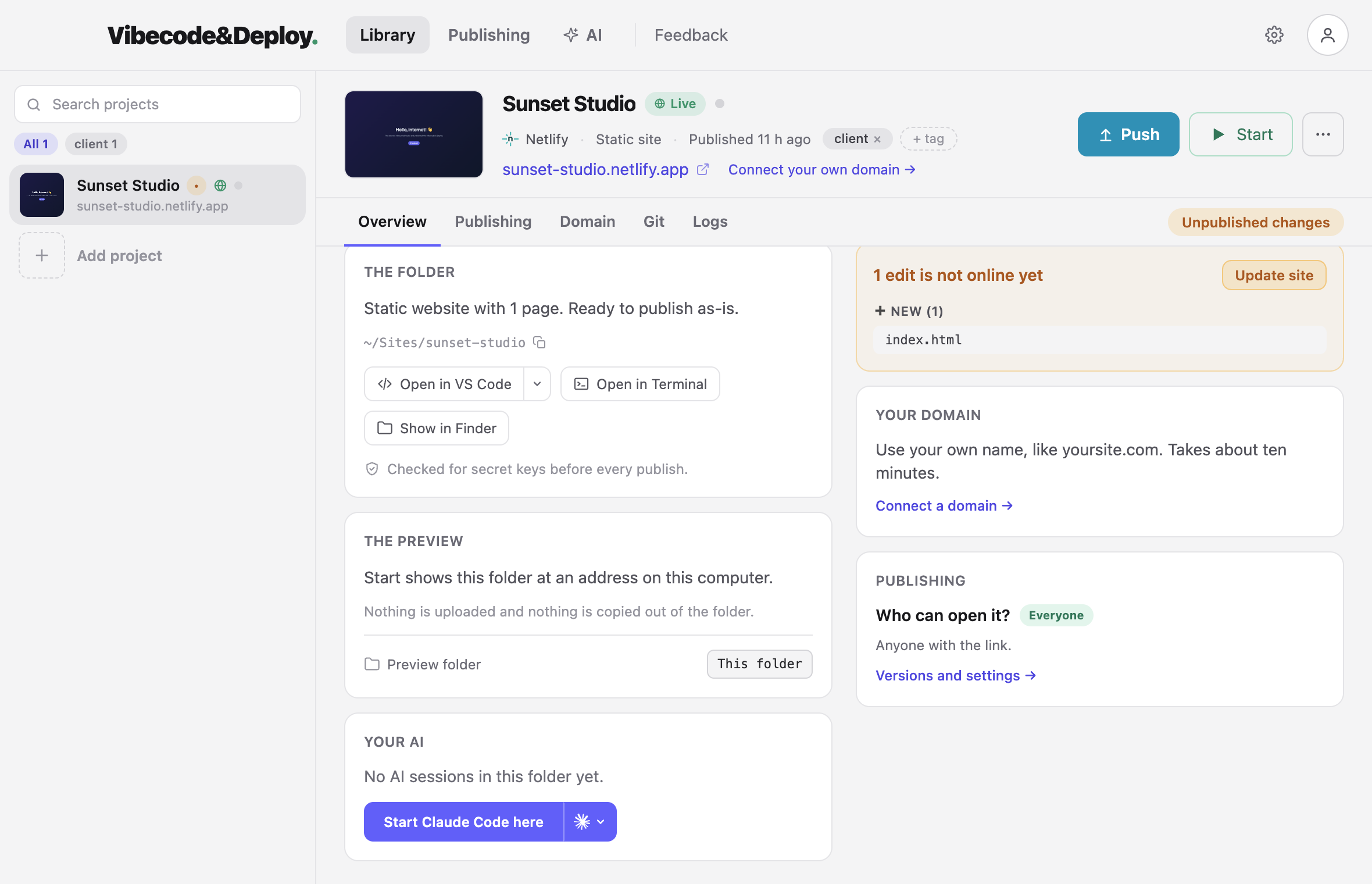
A site is never finished. Someone asks for a change, you edit with your AI, and the same button puts the new version on the same address.
Keep working in the same folder with any coding tool.
A changes badge shows exactly what is not live yet.
The update goes out. The address stays the same.
Safety
The app checks source files and built output for common API keys. Found one? The upload stops before anything goes public.
Ordinary files in an ordinary folder. The app talks directly to Netlify and Vercel, and hosting credentials never leave your computer.
Publishing does not depend on git, branches, or commits. Use them for version control when your project needs them.
What it handles
The first release focuses on static sites and frontend projects that build to static files. See everything the app does →
See recent publishes and make a working version live again.
Get the DNS records to change and check them from the app.
Turn on Netlify Forms and read verified responses for the project.
Connect a folder to the hosted site it already belongs to.
Run these projects locally through Docker. Cloud publishing expects static output.
See when a folder moved, a site was deleted, or a hosted site is private.
Questions
Eight of them here, and the rest on the questions page.
Publishing does not depend on Git. You can still use it for version control.
Only for cloud publishing. You can add and preview a project before connecting one.
Yes, if the tool writes an ordinary project folder. Claude Code and Codex can also start from the app.
Static sites and frontend projects that build to static files, including Vite, Astro, Eleventy, Create React App, and Gatsby.
Not yet. Cloud publishing currently expects static output. WordPress and PHP can run locally through Docker.
Macs with Apple silicon or Intel, each with its own download. The Windows version is built and in testing — ask for it on the download page and we will send it to you.
In the app's private data folder, protected by the operating system. They are not added to your project.
They stay in your Netlify account. The app reads verified responses for the selected project.
Download the app and put it on the internet today.